
Ever feel like your small business steals your time before you even start your day? You check emails, log invoices, answer the same customer questions, and jump between tasks until your brain begs for mercy. Here’s the thing: small companies lose hundreds of hours each year to repetitive work. But you don’t have to live in that cycle anymore. AI for business operations now gives small businesses a real chance to reclaim their time.
Small companies across the U.S. use AI tools to automate everything from customer service to bookkeeping—without hiring extra staff or sacrificing quality. In this guide, I’ll show you the best AI tools for repetitive work, explain how they improve workflow, and help you choose the perfect solutions for your company.
Let’s dive in and set your business free from the busywork trap.
Why Small Companies Rely on AI for Business Operations
Small businesses run lean. You can’t hire a five-person admin team, but you still need someone to send emails, manage books, handle customer questions, update calendars, and analyze data.
That’s where AI steps in.
AI for business operations helps you:
- Cut down repetitive workload
- Improve accuracy
- Speed up decision-making
- Reduce labor costs
- Automate workflows
- Streamline communication
When you use AI tools the right way, you give your business more time, more clarity, and more opportunities to scale.
1. Best AI Tools for Customer Support Automation

Customer support drains small teams faster than anything else. You answer the same questions over and over again. AI tools solve that instantly.
1. Intercom Fin
Intercom’s AI assistant handles common questions, routes complex issues, and answers customers instantly. You write the rules once, and it handles the rest.
Why it works:
- Replies instantly 24/7
- Reduces ticket volume
- Learns from your knowledge base
2. Tidio AI Chatbot
Tidio gives small businesses affordable AI chat support with personalized messaging.
Best features:
- Custom triggers
- Automated sales suggestions
- Email + chat integration
3. Zendesk AI
Zendesk uses AI to draft replies, classify tickets, and recommend solutions.
Perfect for:
- Ecommerce stores
- Busy service providers
AI for business operations in customer support gives your customers fast answers while your team focuses on complicated issues.
2. Best AI Tools for Marketing Automation
Marketing eats time like crazy. You brainstorm content ideas, write emails, design graphics, and schedule posts. AI tools handle those tasks effortlessly.
1. Jasper AI
Jasper writes emails, captions, blogs, and landing pages in seconds.
Why small businesses love it:
- Consistent brand tone
- Fast content creation
- SEO-friendly drafts
2. Canva Magic Studio
Canva’s new AI tools create images, social posts, presentations, and branding assets without design experience.
Top uses:
- Ads
- Posters
- Instagram content
3. Mailchimp AI
Mailchimp uses AI to segment audiences, write subject lines, and schedule campaigns.
What it automates:
- Email sequences
- Customer segmentation
- Analytics summaries
These tools let your marketing run on autopilot while you focus on strategy.
3. Best AI Tools for Admin and Office Tasks
You didn’t start your business to drown in admin work. AI for business operations helps you automate scheduling, emails, documents, and workflows.
1. Notion AI
Notion AI summarizes notes, writes documentation, and organizes projects.
Huge benefits:
- Fast content drafts
- Automatic task tracking
- Smart organization
2. Zapier
Zapier connects your apps and automates workflows without coding.
Example automations:
- Send invoices when new orders come in
- Update Google Sheets from form submissions
- Trigger Slack alerts
3. Calendly AI Scheduling
Calendly’s AI handles appointment bookings without back-and-forth messages.
Perfect for:
- Consultants
- Service businesses
- Freelancers
These tools help small companies operate like big companies without extra staff.
4. Best AI Tools for Accounting and Bookkeeping
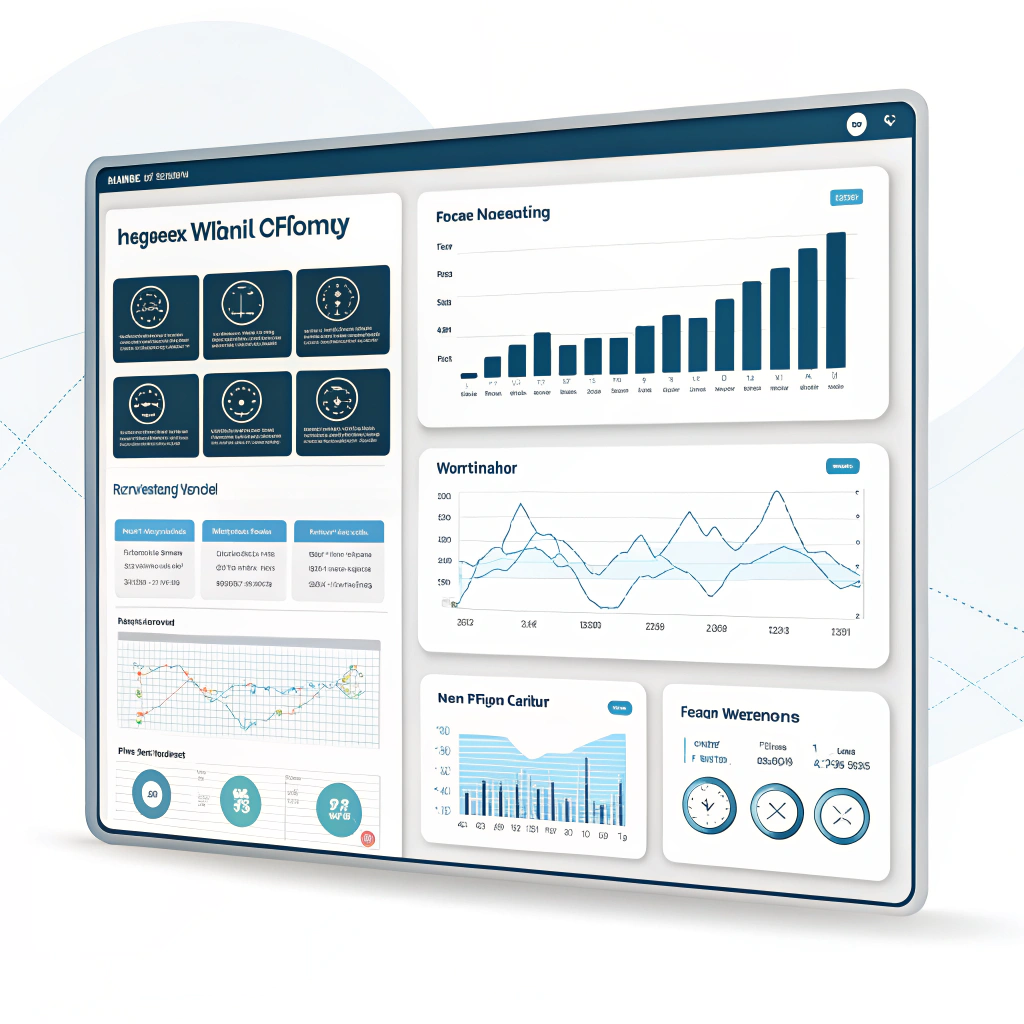
Finance work demands accuracy. One mistake can cost you thousands. AI brings speed, consistency, and clarity to your books.
1. QuickBooks AI
QuickBooks uses AI to categorize expenses, sync transactions, and flag mistakes.
Why it’s powerful:
- Real-time financial insights
- Accurate categorization
- Cash flow forecasting
2. FreshBooks AI
FreshBooks automates invoicing, reminders, and expense tracking.
Best for:
- Freelancers
- Agencies
- Small service businesses
3. Wave Accounting AI
Wave offers free AI-assisted bookkeeping tools perfect for startups.
Key features:
- Smart receipt scanning
- Automated reporting
- Seamless invoicing
When you use AI for business operations in finance, you gain clarity and reduce long-term errors.
5. Best AI Tools for Sales and Lead Management
Sales work takes patience. You follow up with leads, track conversations, and update CRMs. AI solves those headaches instantly.
1. HubSpot AI
HubSpot automates lead scoring, email sequences, and pipeline updates.
Why it stands out:
- Smart follow-ups
- Predictive insights
- Easy CRM automation
2. Apollo AI
Apollo helps small businesses find leads, write outreach messages, and schedule sales sequences.
Strong features:
- AI-generated emails
- Built-in dialer
- Lead scoring
3. Pipedrive AI
Pipedrive provides AI-powered deal insights and next-step suggestions.
Ideal for:
- Small sales teams
- Local service businesses
AI makes your sales pipeline more predictable and easier to manage.
6. How AI for Business Operations Improves Productivity
Small companies who adopt AI report massive performance boosts.
Here’s what you gain:
You reduce manual work
AI handles your repetitive tasks so your team can tackle high-value work.
You improve accuracy
AI tools eliminate human errors, especially in accounting and scheduling.
You scale faster
AI allows small companies to handle more customers without hiring more staff.
You make decisions faster
AI gives real-time analytics you can trust.
When you pick the right tools, your business runs smoother, faster, and smarter.
7. How to Choose the Right AI Tools for Your Business
Follow this simple checklist:
1. Identify your repetitive tasks
Which tasks steal the most time?
- Email replies
- Scheduling
- Data entry
- Social media posting
2. Set a clear goal
Do you want to save time, reduce costs, or improve accuracy?
3. Check integrations
Make sure the tool connects with the platforms you already use.
4. Test before committing
Most AI tools offer free trials.
5. Start small
Automate one problem area at a time.
AI works best when you build your system step-by-step.
FAQs About AI for Business Operations
1. Do small companies really benefit from AI?
Yes. Small companies gain the most because AI helps them operate like larger teams without hiring more employees.
2. Does AI replace employees?
No. AI supports employees by removing repetitive work so they can focus on meaningful tasks.
3. Which business tasks should I automate first?
Start with customer support, scheduling, data entry, or marketing tasks, these usually take the most time.
4. Is AI expensive for small companies?
Not anymore. Most tools offer low-cost monthly plans, and many have free versions.
5. How do I know which AI tool is right?
Pick tools that solve your biggest pain points and integrate easily with platforms you already use.
Conclusion: Upgrade Your Operations with AI
Small companies can now compete with bigger businesses because AI levels the playing field. When you use AI for business operations, you automate repetitive work, improve accuracy, boost productivity, and free your team from unnecessary stress.
Start small. Pick one tool. Automate one task. Build momentum from there.
Your time matters and AI helps you take it back.