
Ever wondered why some small businesses scale faster, work smarter, and stay ahead even with tiny teams? They use AI for Business Operations to run smoother systems, automate boring tasks, and unlock productivity the old way never could.
If you’re a small business owner who wants more time, less stress, and higher output without hiring ten extra people, this guide gives you everything you need. I’ll show you how AI for Business Operations transforms daily workflows, cuts costs, and helps your team outperform larger competitors.
Let’s break down exactly how small teams can win big with AI.
What Is AI for Business Operations?
AI for Business Operations refers to the tools, systems, and automation methods that help businesses streamline tasks, manage workflows, and increase productivity without manual effort.
Small teams use AI to:
- Automate repetitive tasks
- Improve communication
- Manage workflows
- Process data
- Speed up customer support
- Organize documentation
- Make smarter decisions
AI doesn’t replace your team.
AI augments your team so they can focus on higher-level work that drives revenue.
Why Small Teams Need AI More Than Large Companies
Large companies have departments.
Small businesses have… you.
When you run a small operation, you juggle:
- Emails
- Scheduling
- Customer support
- Marketing
- Operations
- Documentation
- Reporting
AI lightens that load instantly.
Small teams benefit more because:
- AI gives them unfair efficiency.
- AI reduces the need for hiring early.
- AI lets them act like a 20-person team.
- AI improves consistency and speed.
Simply put:
AI for Business Operations levels the playing field so small companies can compete with big ones.
How AI for Business Operations Works (Simple Breakdown)
AI works through a few core functions:
1. Automation
AI runs repetitive tasks automatically:
- Sending emails
- Processing invoices
- Assigning tasks
- Managing schedules
2. Prediction
AI reads data and predicts outcomes:
- Sales trends
- Customer behavior
- Inventory needs
3. Natural Language Processing (NLP)
AI understands human language:
- Chatbots
- Email drafting
- Content creation
4. Workflow Intelligence
AI helps teams work in sync:
- Smart task routing
- Deadline management
- Time optimization
When you combine these functions, AI becomes a full operational engine.
Benefits of Using AI for Business Operations
Small teams experience massive benefits when they adopt AI:
1. You work faster without burnout
AI handles the repetitive tasks that drain your time and energy.
2. You make fewer mistakes
Automation eliminates human error.
3. You cut operational costs
Hiring fewer people.
Doing more with less.
Scaling smarter, not harder.
4. You give customers faster responses
AI speeds up support, even when you’re offline.
5. You gain better visibility
AI organizes reports and insights automatically.
AI for Business Operations turns chaos into clarity.
Best Ways to Use AI for Business Operations
Here’s exactly how small teams use AI today and how you can too.
1. Use AI to Automate Daily Tasks
Daily tasks take hours.
AI reduces that workload dramatically.
AI can automate:
- Email replies
- Meeting scheduling
- Task assignments
- File organization
- Slack notifications
Tools to try:
- Motion
- ClickUp AI
- Notion AI
- Zapier
These tools handle small business operations better than any assistant.
2. Use AI for Customer Support
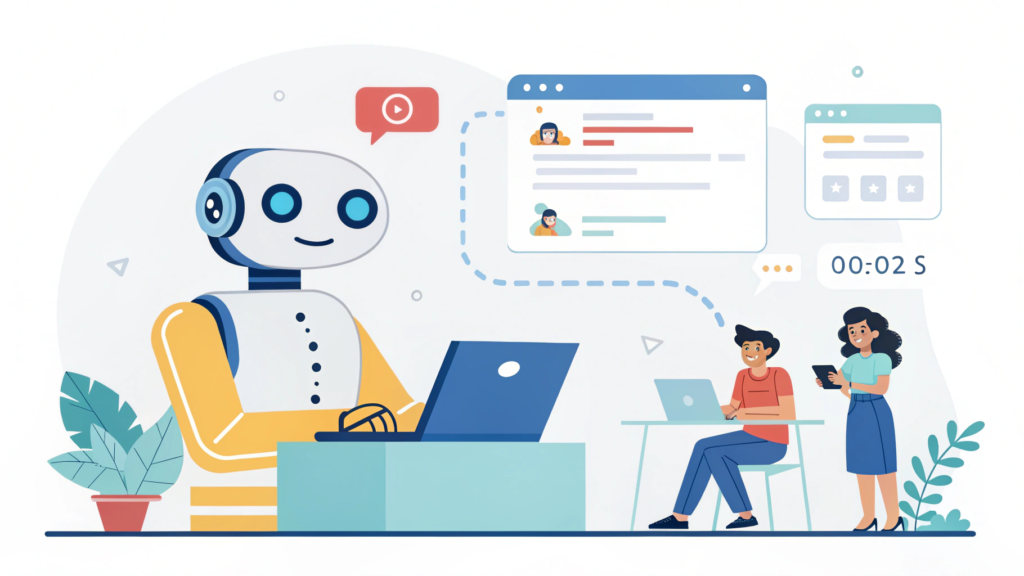
Fast customer support increases trust and sales.
AI gives you:
- 24/7 chat responses
- Automated FAQ handling
- Smart ticketing
- Personalized replies
Tools to use:
- Intercom AI
- Tidio AI
- Zendesk AI
- Freshdesk AI
AI chatbots respond instantly, even when you’re asleep.
3. Use AI for Documentation & SOP Creation
Small teams struggle with documentation.
AI turns this painful task into a fast and painless one.
You can create:
- SOPs
- Training guides
- Policies
- Checklists
- Knowledge bases
Tools to try:
- Notion AI
- Process Street
- Document360
AI writes and organizes documents while you focus on execution.
4. Use AI for Reporting & Insights
AI pulls data and turns it into clear reports automatically.
It can generate:
- Weekly performance reports
- Sales summaries
- Team productivity reports
- Campaign analytics
Tools:
- Google Analytics Intelligence
- Looker Studio
- Tableau AI
AI gives you clarity without spreadsheets.
5. Use AI for Workflow Automation
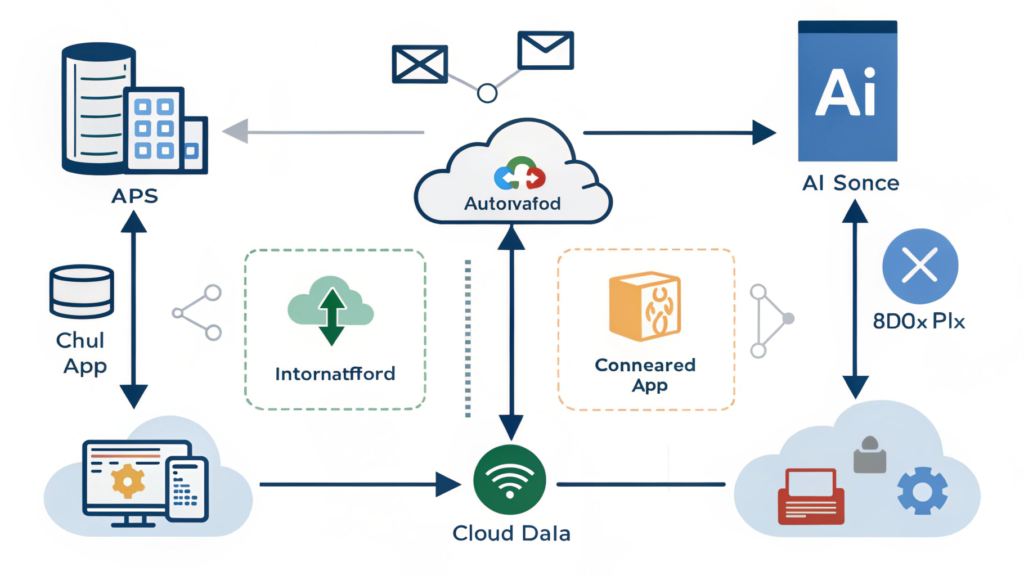
Workflow automation removes friction and keeps your team aligned.
You can automate:
- Task assignments
- Project updates
- Client onboarding
- File management
- Approvals
Tools:
- Asana AI
- Zapier
- Monday.com AI
This directly increases output while cutting your work in half.
6. Use AI for Scheduling & Time Management
Time management kills small teams.
AI fixes that.
AI does:
- Smart scheduling
- Time blocking
- Workload balancing
- Meeting management
Tools:
- Motion
- Sunsama
- Reclaim.ai
AI ensures you always focus on the right task at the right time.
AI for Business Operations Use Cases by Department
Here’s how AI can power every part of your business.
Operations
- Automated SOPs
- Priority management
- Workflow optimization
- Smart project delegation
Sales
- Lead scoring
- CRM updates
- Email personalization
- Sales analytics
Marketing
- Content creation
- Keyword research
- Social media scheduling
- Competitor analysis
Customer Support
- Ticket routing
- Automated replies
- Live chat
- AI-powered help centers
Finance
- Invoice automation
- Expense tracking
- Financial forecasting
HR
- Candidate screening
- Onboarding documentation
- Employee performance summaries
AI transforms every department without adding complexity.
How to Start Using AI for Business Operations (Step-by-Step)
Here’s the exact roadmap small teams should follow.
Step 1: Identify your biggest bottlenecks
Ask your team:
- What tasks waste the most time?
- What slows down our workflow?
- What tasks repeat daily?
Pick the top 3.
Step 2: Choose 1 AI tool per bottleneck
Avoid using 20 tools.
Start with 3.
For example:
- Customer support → Tidio AI
- Task automation → Zapier
- Documentation → Notion AI
Step 3: Automate your daily routines
Automate:
- Emails
- Reports
- Scheduling
- File organization
You’ll feel the impact instantly.
Step 4: Build AI workflows around your team
Examples:
- If client signs → send onboarding doc
- If task complete → notify next person
- If new lead arrives → AI assigns priority
Step 5: Monitor results and refine weekly
Track:
- Time saved
- Tasks automated
- Response time improvements
- Cost savings
AI gets smarter as you feed it more tasks.
Common Mistakes Small Teams Make With AI
Avoid these mistakes if you want real results:
❌ Using too many AI tools
Stick to 3–5.
❌ Expecting AI to magically fix everything overnight
AI compounds over time.
❌ Not training your team on AI tools
Adoption matters.
❌ Avoiding documentation
AI needs structure.
❌ No internal linking between tools
Your tools must work together.
AI works best when you create a simple, connected system.
The Future of AI for Business Operations
AI keeps evolving.
Small teams will soon use AI to:
- Run full departments
- Handle complex client work
- Manage entire workflows
- Automate 60–80% of operations
- Make decisions using real-time predictions
AI will not replace small business teams.
AI will empower them.
If you adopt early, you win earlier.
Conclusion: AI for Business Operations Gives Small Teams Big-League Power
Small teams don’t need more staff.
They need better systems.
With AI for Business Operations, you can:
✔ Work faster
✔ Automate smarter
✔ Scale confidently
✔ Reduce stress
✔ Increase output
✔ Build consistency
✔ Create more customer satisfaction
Your small team can operate like a mature, well-funded company without the complications.
Start small.
Automate smart.
Scale fast.
FAQs: AI for Business Operations
1. What does AI for Business Operations actually do?
AI automates tasks, organizes workflows, manages communication, analyzes data, and reduces manual effort for small teams.
2. Is AI for Business Operations expensive?
Most tools cost less than hiring one employee, and many offer free plans.
3. Can AI replace employees?
No. AI augments employees by eliminating repetitive tasks so they can focus on higher-impact work.
4. Which small businesses benefit the most from AI?
Coaches, agencies, service providers, eCommerce stores, SaaS startups, and solo founders benefit the fastest.
5. How long does it take to see results?
Most teams see massive time savings within 7–14 days once workflows are set up.
6. What are the best AI tools for business operations?
Motion, Zapier, Notion AI, Asana AI, Tidio AI, and ClickUp AI rank among the top choices.