
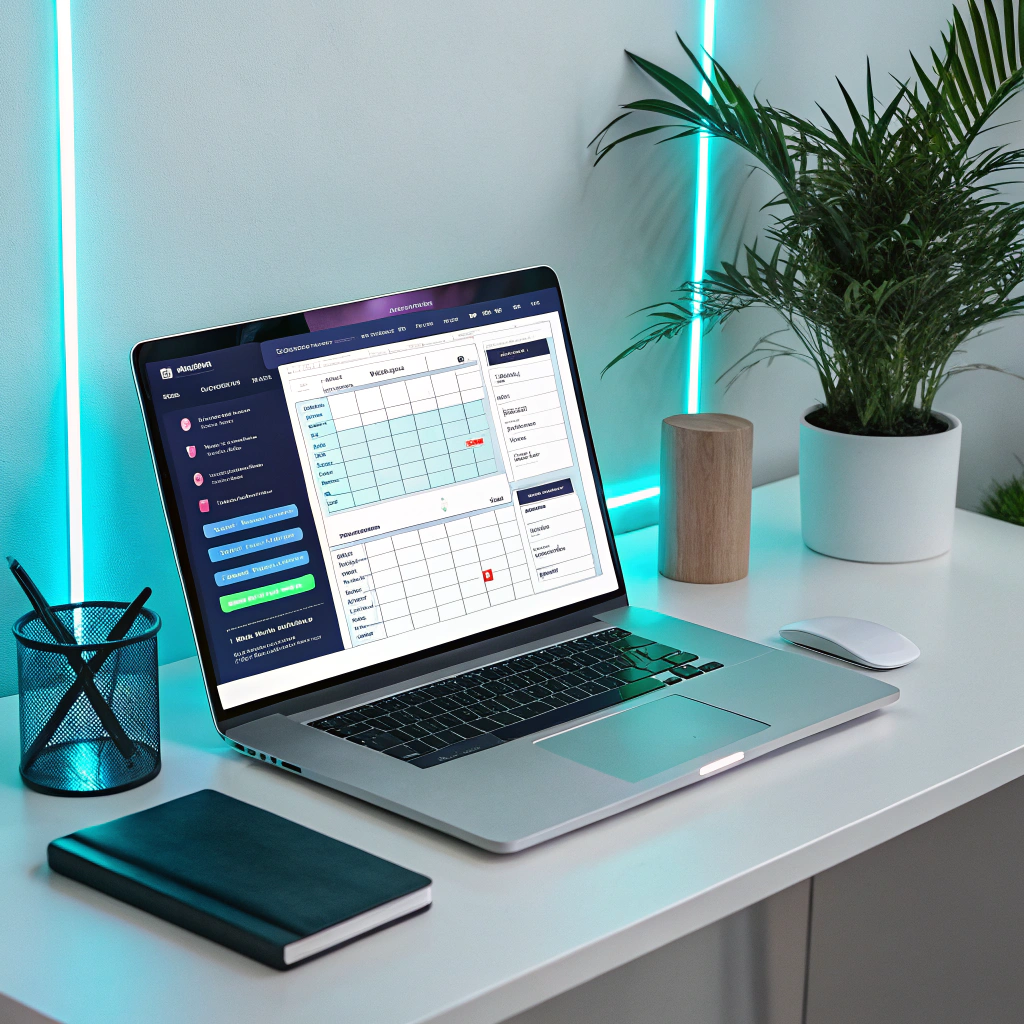
Ever feel like your entire day disappears inside meetings, messages, and random scheduling chaos? If you’re a solo entrepreneur, you already know the truth: your calendar runs your business more than you do.
Now here’s the fun twist, AI scheduling tools can automate nearly 70% of your daily operational workload.
Yep, you read that right.
These tools don’t just book appointments. They coordinate your workflow, optimize your time, eliminate back-and-forth emails, and help you run your business like a team of ten, even when it’s just you.
Today, I’ll show you how modern AI for Business Operations transforms your scheduling, productivity, and entire workday so you can finally breathe again.
Why Scheduling Breaks Solo Entrepreneurs
When you run a one-person business, you don’t just “book meetings.” You spend time:
- finding a time that works
- confirming it
- rescheduling it
- taking notes
- sending follow-up
- tracking tasks after the meeting
This repetitive loop kills your productivity fast.
AI for Business Operations solves this problem by turning scheduling into a fully automated, brain-off workflow.
You stay focused on revenue. AI handles the routine.
This article breaks down the best AI scheduling tools, how they fit into your business operations, and the smartest ways to use them even if you hate tech.
What Makes AI Scheduling Tools So Powerful?
Every great AI scheduling tool improves your business in three core ways:
1. It Automates Your Decisions
The tool books the right time slots, blocks unavailable periods, and prevents double-booking.
2. It Coordinates Your Workflow
AI integrates your calendar, email, CRM, project tools, and meeting apps so everything stays synced.
3. It Saves You Hours Every Week
Most solo entrepreneurs gain 15–20 hours of free time per month after switching to AI scheduling.
This is exactly why more people use AI for Business Operations every year, it eliminates the administrative noise that slows your business down.
Best AI Scheduling Tools for Solo Entrepreneurs (2026 Edition)
Let’s break down the tools that actually work, not the ones that look fancy but waste your time.
1. Motion – The All-in-One AI Time Manager
Motion doesn’t just schedule your meetings. It builds your entire day.
What it does:
- Auto-creates your daily schedule
- Prioritizes tasks based on deadlines
- Reschedules meetings when conflicts appear
- Blocks focused work time
- Handles team scheduling if you grow later
Best for:
Solo founders who want a calendar that literally thinks for them.
2. Calendly with AI – Smarter than Ever
Calendly recently added powerful AI features.
Highlights:
- Suggests best meeting times based on productivity patterns
- Generates follow-up messages automatically
- Aligns availability with your actual energy levels
- Handles client reminders
Best for:
Freelancers, coaches, consultants.
3. Reclaim.ai – Time Blocking Genius
Reclaim works like a personal assistant that adjusts your schedule in real time.
Features:
- Smart task scheduling
- Automatic buffer time
- Habit scheduling (gym, learning, admin time)
- AI-based meeting optimization
Best for:
Anyone who uses Google Calendar heavily.
4. Clara – Human-Like AI Assistant
Clara communicates with clients like a real assistant.
Capabilities:
- Sends emails
- Books meetings
- Coordinates scheduling preferences
- Handles cancellations
Best for:
Solo entrepreneurs who want a “virtual receptionist.”
5. Vimcal – Fastest Calendar for Busy Founders
Vimcal calls itself “the world’s fastest calendar,” and they’re not lying.
What you get:
- Ultra-fast scheduling
- Time-zone intelligence
- Smart meeting proposals
- AI email assistant
Best for:
Entrepreneurs who travel often.
How AI for Business Operations Transforms Your Daily Scheduling

AI doesn’t just book your meetings.
It reshapes the way you run your entire business.
Here’s what changes:
1. You Stop Wasting Time on Back-and-Forth Messages
AI sends:
- reminders
- confirmations
- follow-ups
- rescheduling emails
… automatically.
You focus on execution, not logistics.
2. You Stay in Control of Your Time
AI tools evaluate:
- your priorities
- your upcoming deadlines
- your habits
- your energy flow
Then they decide the best time for:
- client meetings
- deep work
- admin
- content creation
- This is real AI for Business Operations, not the hype you see on social media.
3. You Avoid Burnout
Solo entrepreneurs often overschedule without realizing it.
AI tools protect your time and enforce healthy constraints.
Examples:
- No meetings before 10 AM
- No calls after 4 PM
- Automatic focus blocks
- Planned break time
Your calendar stays balanced, without you lifting a finger.
4. You Grow Faster Because You Work Smarter
Once AI handles your scheduling, you use your time on:
- client work
- sales
- marketing
- building products
- improving offers
That’s where revenue grows.
Not inside your email inbox.
How to Pick the Right AI Scheduling Tool
Here’s a simple decision guide:
Choose Motion if…
You want full automation of your day.
Choose Calendly if…
Your business revolves around client bookings.
Choose Reclaim if…
You love time blocking.
Choose Clara if…
You want an assistant-like experience.
Choose Vimcal if…
You schedule across multiple time zones.
If you need help choosing, tell me your workflow and I’ll match the perfect tool.
How to Set Up AI Scheduling Like a Pro
This framework works for every solo entrepreneur — coaching, SMMA, freelancing, agency, consulting, anything.
1. Define Your Weekly Flow
Pick fixed blocks:
- 2 hours deep work
- 1 hour client calls
- 1 hour admin
- 1 hour content
AI tools adjust them automatically.
2. Set Hard Calendar Rules
Examples:
- No calls on Mondays
- 30-minute meetings only
- Focus work 9 AM–12 PM
- Lunch break auto-locked
AI follows your rules 24/7.
3. Build Smart Booking Links
Use Calendly or Motion to create:
- “Quick 15-minute intro call”
- “Paid 60-minute consulting session”
- “Project kickoff call”
AI handles the rest.
4. Add AI Follow-Up Messaging
Your tool should send:
- confirmation
- reminders
- post-call summaries
- action items
This makes you look extremely professional.
5. Let AI Optimize Your Week Automatically
Your calendar should update itself every day:
- tasks move dynamically
- meetings shift intelligently
- priorities stay updated
This is true AI for Business Operations in action.
Real Examples of AI Scheduling in a Solo Business
Here’s what AI does behind the scenes:
Example 1:
You finish a task 30 minutes early → AI pulls in the next task.
Example 2:
A client cancels → AI moves your deep work block into that slot.
Example 3:
You have a heavy workload → AI reduces meeting availability for the week.
Example 4:
You’re traveling → AI adjusts to new time zones instantly.
This is how you get CEO-level efficiency without hiring anyone.
FAQs About AI Scheduling Tools
1. Do AI scheduling tools replace human assistants?
Not entirely, but they automate 80% of admin tasks most solo entrepreneurs can’t afford to outsource.
2. Are these tools expensive?
Most range between $8–$19/month, which is nothing compared to hiring help.
3. Will clients trust an AI assistant?
Yes. Modern AI sounds professional, human, and reliable.
4. Can AI scheduling tools reduce my workload?
Absolutely. Most users save 2–3 hours a day after switching.
5. Do I need technical knowledge?
No. These tools are plug-and-play and integrate with your calendar instantly.
Conclusion: AI Scheduling Isn’t a Luxury, It’s a Growth Tool
If you’re a solo entrepreneur, your time is your most valuable asset.
AI scheduling tools protect it, manage it, and maximize it better than any human assistant ever could.
They help you:
- save hours
- reduce stress
- increase productivity
- scale faster
Stop running your day on autopilot.
Start running it with AI for Business Operations guiding every move.
Your business grows the moment you stop managing your calendar and let AI handle the operations.
Want help setting up AI for Business Operations in your own workflow?
Drop a comment below or request a personalized AI systems plan. I respond fast!