

Ever feel like your inbox runs your life? You open Gmail to “quickly check something,” and suddenly you’re drowning in follow-ups, customer questions, and repetitive replies. Yeah… we’ve all been there.
Here’s the good news: you can automate up to 80% of your email workload with the right AI tools. And when you plug these tools into your daily workflow, you instantly upgrade your AI for Business Operations strategy.
In this guide, I’ll break down the smartest AI tools small teams use to manage emails, automate customer replies, and free up hours every single week. Let’s jump in.
Why Email Automation Matters for Modern Business Operations
If you’re like most small business owners or solopreneurs, your day disappears inside your inbox. Emails stack up. Customer requests slip through cracks. And manual replies drain your creativity before lunch.
That’s where AI for Business Operations plays a game-changing role.
With the right AI tools, you can:
- Reply to customers instantly
- Auto-categorize and prioritize emails
- Draft polished email responses in seconds
- Turn customer questions into automated workflows
- Maintain consistent brand voice without rewriting everything
AI doesn’t replace you.
AI supports you.
And honestly, it runs your inbox better than most humans.
Top Benefits of Using AI in Your Email & Customer Support Workflows
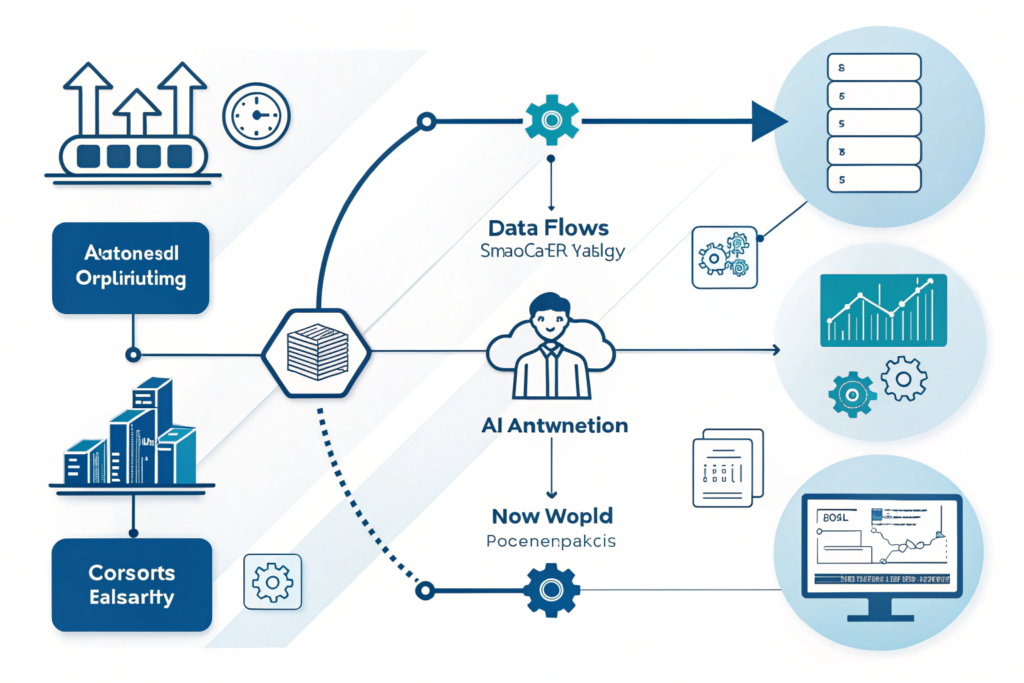
AI delivers serious upgrades to your daily operations. Here’s what you get:
1. Faster Customer Response Times
Customers expect instant replies. AI gives them answers before your coffee cools.
2. Zero Missed Emails
AI filters, categorizes, flags, and escalates emails intelligently.
3. Perfectly Written Emails
AI generates clear, confident, on-brand messages every time.
4. Lower Workload for Small Teams
You stop rewriting the same email. AI handles the heavy lifting.
5. Higher Customer Satisfaction
When customers get fast, accurate replies, their trust skyrockets.
This is the real power of AI for Business Operations speed, accuracy, and consistent customer experience.
Best AI Tools to Automate Emails & Customer Replies
Below are the top AI tools dominating 2026. I’ll cover what they do, how they work, and why they matter for small business operations.
1. Gmail + Gemini AI (Built-In Email Automation)
Google’s latest AI integration writes replies, summarizes long email threads, and suggests actions based on customer messages.
What it does:
- Generates full email responses in one click
- Summaries long threads instantly
- Suggests next actions (“schedule meeting,” “reply politely,” etc.)
- Translates messages
- Extracts key information automatically
Best for:
Small teams using Gmail who want fast AI drafting with zero setup.
2. HubSpot AI Customer Service Hub
https://www.hubspot.com/If you handle customer support via email, HubSpot’s AI suite can transform your workflow.
What it does:
- Auto-replies to common customer questions
- Creates workflows based on keywords
- Routes emails to the right team
- Tracks customer history and previous replies
Why it works:
You save hours because AI handles 70% of repetitive support tasks without lifting a finger.
3. Tidio AI (Chat + Email + Customer Support Automation)
Tidio blends email automation with AI chat so you can centralize everything.
What it does:
- Auto-reply with custom-trained AI
- Answers customer questions using your website content
- Handles email + chat from one dashboard
- Provides “flow builder” to create automated customer support funnels
Perfect for:
Ecom stores, coaches, agencies, and SaaS startups.
4. Front + AI (The Shared Inbox Upgrade)
Front combines Gmail + Slack into one place, but now with advanced AI operations.
Key features:
- AI drafts replies
- AI detects customer sentiment
- AI tags and sorts incoming messages
- AI suggests shortcuts for repetitive work
If your team handles customer emails together, this tool is gold.
5. Zendesk AI
If you run any kind of customer-facing business, Zendesk AI supercharges everything.
It helps you:
- Generate smart auto-replies
- Resolve tickets instantly
- Provide personalized solutions
- Reduce wait times dramatically
Why it’s powerful for AI for Business Operations:
It takes customer service from reactive → automated and proactive.
How AI Actually Writes Customer Emails (Without Sounding Robotic)
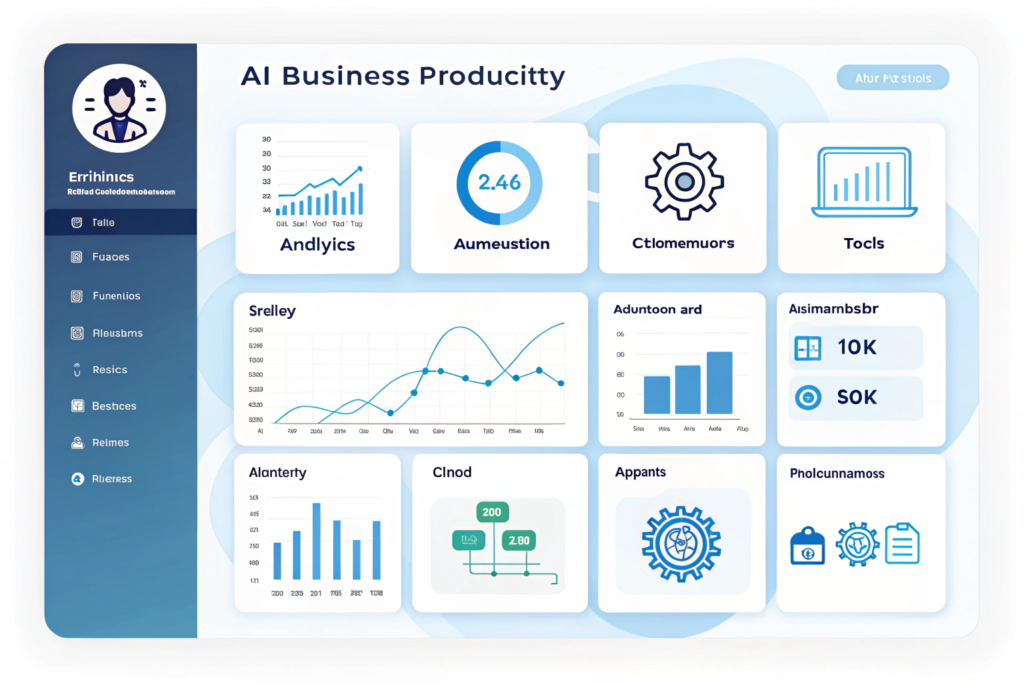
A fear many business owners have:
“Will AI make me sound like a bot?”
Not if you set it up the right way.
Here’s the formula:
Step 1: Upload Your Brand Voice
Most AI tools (Gemini, HubSpot, Tidio) let you add:
- Tone
- Example emails
- Your writing style
- Preferred greetings and closings
Step 2: Train AI on Your FAQs
Provide it:
- Common customer questions
- Your preferred answers
- Policies
- Refund rules
- Pricing info
Step 3: Let AI Handle 60–80% of Messages
You review the important ones manually.
This turns AI into your email co-pilot, not your replacement.
Examples of How AI Automates Daily Email Tasks
Here’s a real breakdown of what AI handles without you touching anything:
1. “Where is my order?” Emails
AI scans your system → pulls order info → sends a personalized reply.
2. “Can you send pricing?” Messages
AI sends your pricing guide instantly.
3. “I need support with X”
AI routes email to correct department or support workflow.
4. Long Emails
AI summarizes → highlights important info → creates a draft reply.
5. Customer Complaints
AI identifies urgency → escalates → generates professional response.
This is what makes AI for Business Operations such a powerful investment for small teams.
How to Set Up AI Email Automation in 3 Simple Steps
Most business owners overcomplicate this.
Here’s the simple version:
Step 1: Choose Your AI Tools
Pick 1–2 from this list:
- Gmail + Gemini
- HubSpot AI
- Tidio AI
- Zendesk AI
- Front
Step 2: Train Your AI
Upload:
- Templates
- FAQs
- Policies
- Examples of your best emails
Step 3: Start With Hybrid Automation
Let AI handle:
- First replies
- Common questions
- Order updates
- Appointment confirmations
- Lead follow-ups
You manually handle anything sensitive or custom.
Within a week, you’ll see a massive reduction in inbox overload.
FAQs About AI Email & Reply Automation
1. Will AI replace my entire customer team?
No. AI handles repetitive email tasks so your team can focus on high-value work.
2. Is AI safe for customer communication?
Yes, modern AI tools include security, encryption, and role-based access.
3. Does AI always send replies automatically?
Only if you turn on auto-reply mode. Most tools let you approve messages before sending.
4. Can I customize how AI writes?
Absolutely. You can train AI to match your tone, wording, and brand voice perfectly.
5. What’s the best AI tool for small teams?
Tidio AI for support, Gmail + Gemini for email drafting, HubSpot AI for workflows.
Conclusion: AI for Business Operations Will Transform Your Inbox Forever
If your inbox feels overwhelming, AI isn’t a luxury, it’s your lifeline.
The smartest small businesses already use AI to:
- Automate email replies
- Manage customer conversations
- Improve response times
- Increase customer satisfaction
- Free up hours every week
When you embrace AI for Business Operations, you create a workflow that runs with you, not against you.
Want to grow faster, save time, and communicate like a pro?
Start automating your inbox today.