
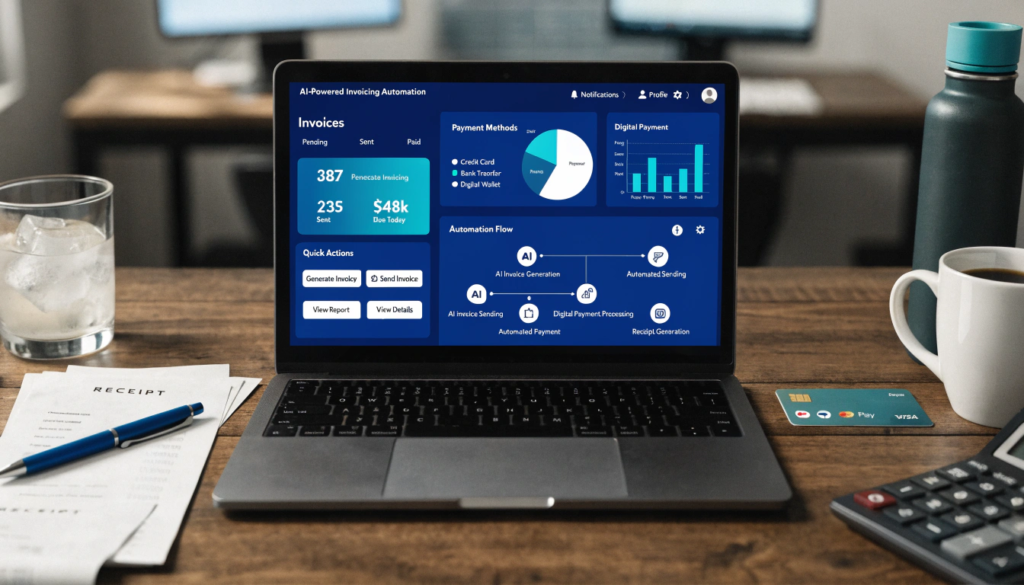
Ever feel like invoicing steals hours from your week and your sanity? You’re not alone. Most small business owners burn through 67% more admin time than they actually need. And guess which task sits at the top of that time-waster list? Yup… invoicing. But things are changing fast. Today, smart entrepreneurs use AI for business operations to automate everything from invoice creation to payment reminders. And the results? Faster cash flow, fewer errors, and way less stress.
If you’re ready to reclaim your time and run your small business like a well-oiled, tech-driven machine, this guide shows you exactly how AI transforms your entire invoicing workflow.
Why Smart Small Business Owners Use AI for Business Operations
Small businesses move fast, and time feels like your most valuable currency. When you spend hours creating invoices, chasing late payments, and double-checking numbers, you lose time you could pour into sales, marketing, or customer success.
That’s exactly why more entrepreneurs adopt AI for business operations. They save time, boost accuracy, and eliminate frustrating manual work.
Here’s what smart AI-powered invoicing tools help you do:
- Generate accurate invoices in seconds
- Analyze billing patterns
- Automate reminders
- Flag unusual charges
- Track overdue payments
- Sync data across your systems
AI doesn’t just make invoicing easier. It removes friction across your entire business.
How AI Invoicing Tools Automatically Improve Your Cash Flow
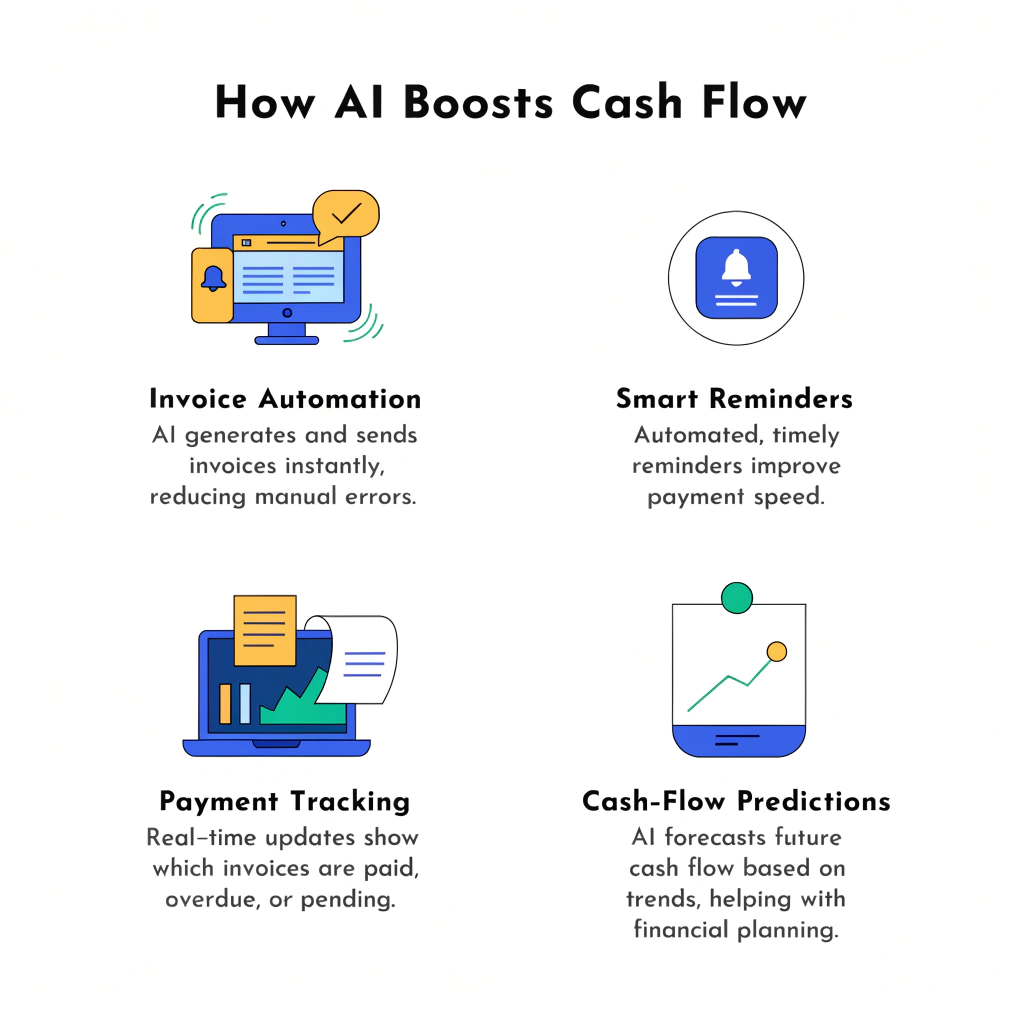
Cash flow decides whether your business grows or gasps for air. AI works behind the scenes and strengthens your billing cycle from start to finish.
1. AI Creates Error-Free Invoices Instantly
You type a few details, and AI builds a clean, branded invoice. It handles:
- Line items
- Taxes
- Discounts
- Currency
- Client details
You cut invoicing time by 90% and stop second-guessing your math.
2. AI Tracks Payments Without You Lifting a Finger
AI monitors invoices 24/7. It updates invoice statuses, logs incoming payments, and alerts you when clients fall behind.
You never miss a payment again.
3. AI Sends Personalized Payment Reminders
Forget awkward “Hey, just checking in…” emails. AI writes friendly reminders automatically and sends them at the perfect time.
Clients pay faster because the process stays consistent and professional.
4. AI Predicts Future Cash Flow
This is where AI for business operations really shines. It analyzes your billing history and predicts:
- Cash flow gaps
- Slow-paying clients
- Ideal invoice timing
- Seasonal revenue patterns
You gain control instead of reacting to problems at the last second.
Top AI Features Every Small Business Should Look For
Not all invoicing tools offer true AI. Some just automate tasks. You need features that actively help your business run better.
Here are the must-have capabilities:
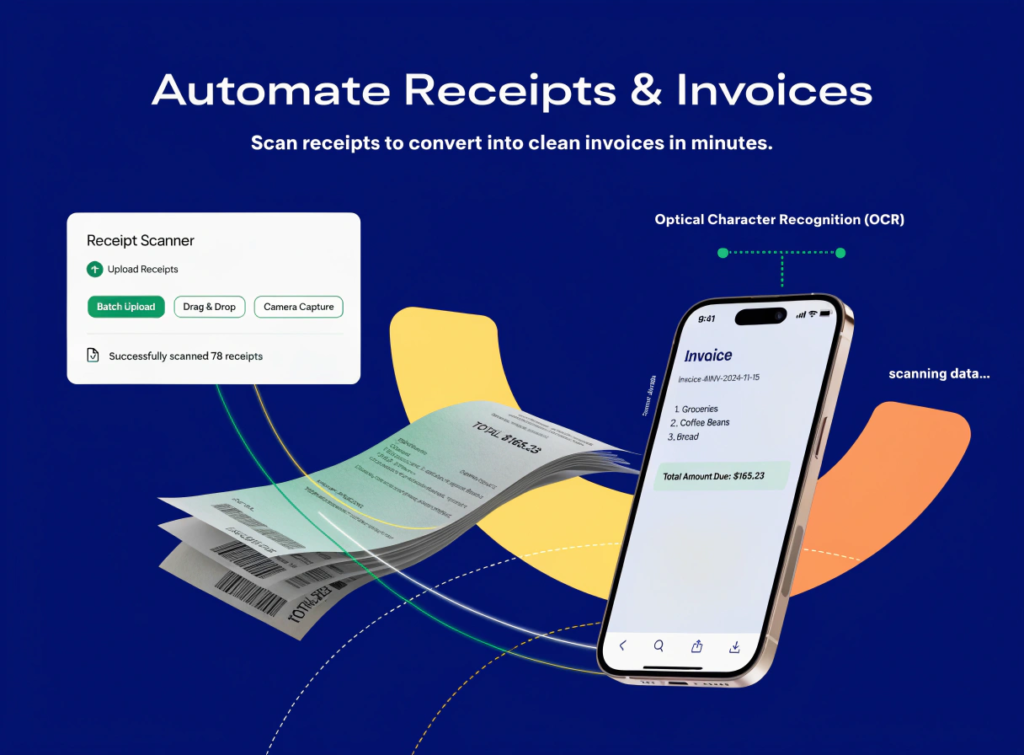
Smart OCR (Document Scanning)
AI scans receipts, bills, and contracts and extracts data automatically. No typing. No mistakes.
Predictive Billing Suggestions
AI recommends the best invoice times and highlights overdue accounts before they hurt your cash flow.
Automated Tax Calculation
AI identifies tax categories and applies correct rates every time. You stay compliant automatically.
Fraud Detection
Good AI alerts you if it spots abnormal charges or inconsistent patterns.
Seamless Integrations
Your AI invoicing tool must connect with:
- Accounting software
- Payment gateways
- Client CRMs
- Project management tools
You create one workflow instead of juggling ten.
5 Best AI Invoicing Tools for Small Business Owners
After working with dozens of clients and testing hundreds of tools, I picked the top AI-powered options that deliver the best results for small businesses.
1. FreshBooks (Best All-In-One)
FreshBooks adds advanced AI intelligence to invoicing, expense tracking, and reporting. It uses predictive insights to strengthen your cash flow and streamline administrative tasks.
2. QuickBooks Online + QuickBooks AI
QuickBooks uses AI to recommend invoice times, identify common invoice mistakes, and monitor your financial patterns. It’s perfect if you want accounting plus automation in one place.
3. Zoho Invoice
Zoho Invoice brings strong AI automation with smart reminders, automated workflows, and predictive cost analysis. It’s especially good for growing service businesses.
4. Wave + Wave AI
Wave offers simple invoicing with surprisingly strong AI suggestions for faster payments. It works great for solo entrepreneurs, freelancers, and micro-businesses.
5. Notion + AI for Business Operations
Notion AI can generate invoices, summarize billing notes, create proposals, and track financial tasks. It’s a flexible option for business owners who want full customization.
How AI for Business Operations Streamlines Your Entire Workflow
AI doesn’t just create invoices. It supports your full operational workflow like an always-on digital teammate.
AI Automates Repetitive Back-Office Tasks
AI handles:
- Data entry
- Billing
- Payment tracking
- Report generation
- Customer follow-ups
You cut hours of grunt work every single week.
AI Improves Decision-Making
AI gives recommendations based on real data—not guesswork.
You stay ahead of financial risks before they hit you.
AI Helps You Scale Efficiently
When your business grows, AI handles the increased workload without hiring more staff.
You level up operations without ballooning costs.
AI Enhances Client Experience
AI-powered reminders and accurate invoices make your business look professional and reliable.
Your clients stay happy, informed, and consistent with payments.
How to Choose the Right AI Invoicing Tool for Your Business
Before you sign up for anything, answer these questions:
1. What’s your business size and type?
Freelancers need lightweight tools. Small teams need automation. Agencies need integrations.
2. Do you want simple invoicing or full AI for business operations?
Some tools only automate invoices; others automate your whole administrative ecosystem.
3. Do you already use a CRM or accounting tool?
Choose a tool that integrates perfectly.
Avoid workflow fragmentation.
4. What’s your monthly budget?
AI doesn’t have to be expensive. Some tools cost $0–$30/month with strong automation.
5. How important is customization?
If you want branded invoices, custom reminders, or personalized workflows, pick a flexible tool.
Real-World Examples of AI Transforming Small Business Invoicing
A freelance designer cut admin time by 80%
She used AI to generate invoices and reminders. She reinvested time into marketing and doubled her clients.
A small agency eliminated late payments
AI reminders nudged clients on autopilot. Their payment cycle speed increased by 40%.
A retail shop improved cash flow forecasting
AI predicted seasonal slowdowns. They adjusted inventory early and avoided major losses.
When you use AI for business operations, you stop reacting to problems. You prevent them.
Practical Tips to Maximize AI in Your Invoicing Workflow
Follow these steps and watch your efficiency explode:
- Create invoice templates inside your tool
- Automate all recurring invoices
- Turn on smart reminders
- Sync your payment gateway
- Upload all receipts for AI scanning
- Enable predictive insights
- Review your weekly AI suggestions
You’ll notice less stress, better financial clarity, and stronger monthly cash flow.
Conclusion: AI for Business Operations Helps You Work Smarter, Not Harder
If you’re a small business owner, AI isn’t a luxury anymore. It’s your competitive edge.
Your time matters. Your money matters. And your workflow deserves a smarter system that frees you from repetitive, low-value tasks.
When you use AI for business operations, you automate billing, strengthen cash flow, and elevate your entire business.
Start with one AI invoicing tool today.
Watch how much faster your business grows when you stop drowning in admin work.
FAQs About AI Invoicing Tools
1. What does AI invoicing actually do?
AI automates invoice creation, reminders, payment tracking, and reporting so you save time and avoid mistakes.
2. Do AI invoicing tools work for freelancers?
Yes! Freelancers benefit the most because AI eliminates repetitive tasks and helps maintain professional billing.
3. Can AI improve cash flow?
Absolutely. AI sends reminders, analyzes patterns, and predicts future revenue so you avoid cash-flow surprises.
4. Are AI invoicing tools expensive?
Many tools offer free plans or start under $20/month.
5. Is AI safe for financial data?
Top tools use strong encryption and security protocols to protect your information.