
If you’re a business owner in 2026, you already feel the pressure. Everything moves faster. Customer expectations skyrocket. Competitors level up overnight. And every entrepreneur asks the same question:
“How do I run my business faster, smarter, and cheaper—without burning out?”
Simple: AI for Business automation.
AI doesn’t just save time. It rewires how businesses operate. It gives small teams the power of huge companies. And it helps you scale without adding more headaches.
In this guide, I’ll break down exactly how AI transforms everyday business operations, which tasks you can automate, which tools actually work, and how you can implement AI automation today without hiring a tech team.
Let’s dive in.
What Is AI Business Automation?
AI business automation means using artificial intelligence to handle repetitive tasks so you can focus on strategy, revenue, and growth. It’s smarter than traditional automation because AI:
- Learns from your data
- Makes decisions instantly
- Handles complex workflows
- Improves accuracy over time
In short, AI for Business eliminates busywork and unlocks higher productivity in every department.
Why Every Modern Business Needs AI for Business Automation
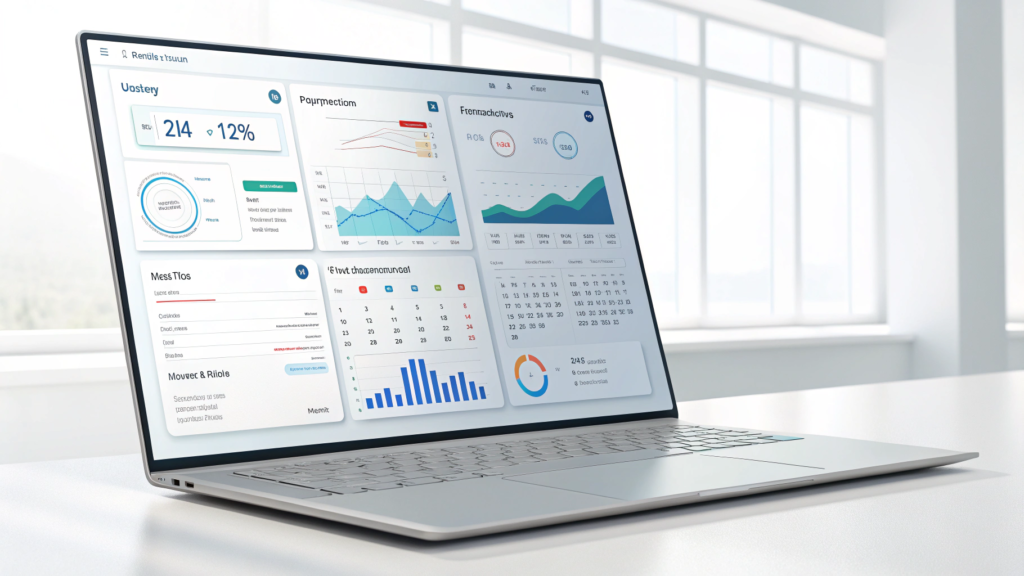
Modern companies face one big challenge: too many tasks, not enough time. AI solves this problem by taking over routine work and giving you the freedom to grow your business with confidence.
Here’s what AI unlocks for business owners:
1. It Cuts Costs Fast
AI handles tasks that normally require extra staff, which helps you reduce payroll costs. You don’t eliminate humans, you simply let AI handle the boring stuff.
2. It Speeds Up Workflows
AI doesn’t sleep, pause, or complain. It works 24/7. You finish tasks in minutes instead of hours.
3.It Improves Customer Experience
AI-powered chatbots reply instantly, recommend solutions, and provide support around the clock. Customers love quick answersand AI delivers.
4. It Boosts Accuracy
Humans make mistakes. AI doesn’t. You reduce errors in reporting, data entry, billing, and content creation.
5. It Helps You Make Smarter Decisions
AI analyzes patterns far faster than any analyst. You get instant insights and data-backed recommendations that help you grow faster.
The Best Uses of AI for Business Automation in 2026
AI transforms every part of a business. Here’s where it makes the biggest impact.
1. Marketing Automation With AI
Marketing eats hours of your week if you’re not using AI. AI tools streamline almost every task, including:
- Creating content
- Scheduling social posts
- Running ads
- Writing emails
- Researching keywords
- Generating graphics
AI Tools That Make Marketing Faster
- Canva AI
- Jasper
- ChatGPT
- SurferSEO
- Buffer AI
- Notion AI
AI for Business marketing automation saves time, increases consistency, and helps you publish better content faster.
2. Sales Automation With AI
Sales teams thrive when they spend less time on admin work and more time closing deals.
AI helps you:
- Score leads
- Write cold emails
- Automate follow-ups
- Update CRM records
- Analyze sales calls
- Predict high-value leads
Tools That Supercharge Sales
- HubSpot AI
- Apollo AI
- Close CRM
- Salesforce Einstein
- Lavender
Businesses that use AI for Business sales automation close deals faster and never miss follow-ups again.
3. Customer Support Automation
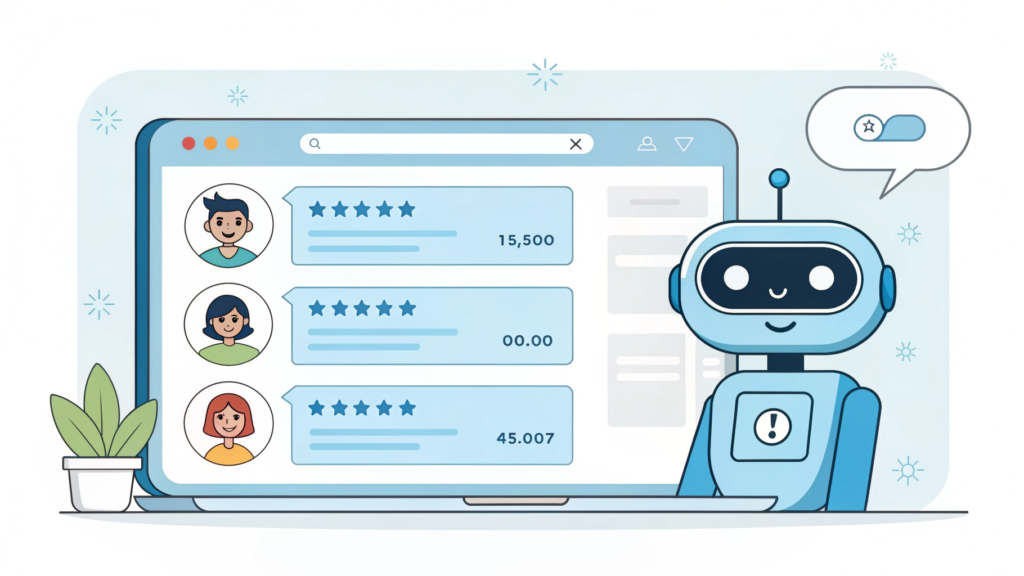
AI transforms support into a seamless, 24/7 service.
You can automate:
- Customer questions
- Live chat
- Returns & refunds
- Troubleshooting
- Ticket routing
Best AI Tools for Support
- Tidio
- Intercom AI
- Zendesk AI
- Freshdesk
- ChatGPT API bots
AI for Business support tools reduce workload and increase customer satisfaction instantly.
4. Operations & Workflow Automation
Every business runs on workflows. When those workflows break, everything slows down.
AI cleans up the chaos by automating:
- Task management
- Scheduling
- Inventory
- Data entry
- Approvals
- Payments
Top AI Workflow Tools
- Zapier
- Make.com
- ClickUp AI
- Trello AI
- Asana AI
You streamline your entire operation and free your team to focus on real growth.
5. Accounting & Finance Automation
Accounting requires accuracy, and AI delivers it flawlessly.
AI automates:
- Invoicing
- Expense tracking
- Bookkeeping
- Payroll
- Tax calculations
Finance Tools Powered by AI
- QuickBooks AI
- Xero AI
- Wave Accounting
- Pilot AI
AI for Business accounting tools help you stay organized while reducing costly errors.
6. HR & Hiring Automation
Hiring takes time. AI helps you speed it up.
You can automate:
- Job descriptions
- Resume screening
- Shortlisting
- Interview scheduling
- Employee onboarding
HR Tools That Use AI
- BambooHR
- Workable
- BreezyHR
- Deel AI
You build a stronger team without spending days on admin work.
7. Data & Analytics Automation
Data matters if you can understand it. AI turns complex reports into simple insights.
AI tools instantly:
- Analyze trends
- Predict sales
- Forecast profits
- Identify risks
- Make recommendations
Data Tools That Deliver Results
- Tableau AI
- Google Analytics AI
- Power BI
- Polymer Search
AI for Business analytics helps you make decisions that actually increase revenue.
How to Start AI Business Automation (Step-by-Step)
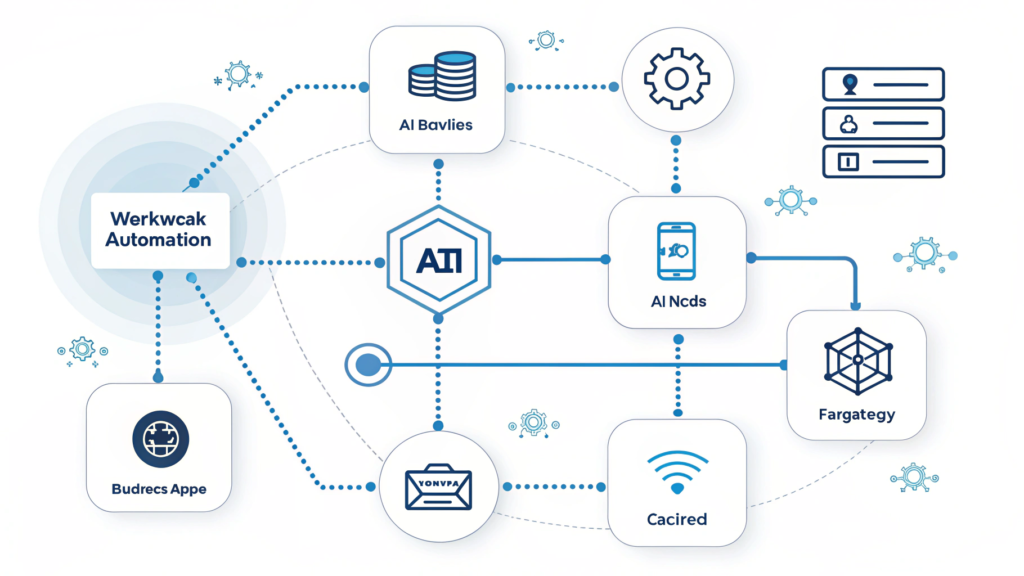
If AI feels overwhelming, start small. You don’t need a full transformation on day one.
Here’s the simplest roadmap:
Step 1: Identify Repetitive Tasks
Look for tasks that repeat daily or weekly:
- Emails
- Reports
- Scheduling
- Posting
- Data entry
These are easy automation wins.
Step 2: Choose 1–2 AI Tools
Pick tools based on your needs:
- Support: Tidio
- Marketing: Canva AI
- Operations: Zapier
Start simple.
Step 3: Create Your First Automated Workflow
Examples:
- Auto-send follow-up emails
- Auto-post social content
- Auto-update CRM
Step 4: Train Your Team
Give basic tutorials. Explain the workflow. Keep it simple.
Step 5: Track Results
Measure:
- Time saved
- Faster response
- Higher accuracy
- More leads/sales
Step 6: Scale Across the Business
Once you see results, automate more departments.
The Real Impact: What AI for Business Looks Like in Daily Operations
Here’s what a business looks like once AI automation takes over:
- Emails reply automatically
- Content publishes on schedule
- Leads route to the right team member
- Invoices generate without mistakes
- Reports compile automatically
- Chatbots handle customer queries
- Analytics update in real time
Your business runs smoother, faster, and more profitably.
FAQs: AI Business Automation
1. What is AI for Business?
AI for Business means using artificial intelligence to automate tasks, improve decisions, and scale operations with less effort. Businesses use AI to boost productivity, reduce costs, and deliver better customer experiences.
2. What tasks can AI automate in a small business?
AI automates marketing, sales, customer support, accounting, data entry, scheduling, and workflow management.
3. Is AI automation expensive?
Not at all. Many AI tools offer free plans. Small businesses can start with $0–$50/month.
4. Which industries benefits the most from AI?
AI helps e-commerce, real estate, healthcare, marketing agencies, service businesses, finance, education, and logistics.
5. Can AI replace employees?
AI enhances human work. It handles repetitive tasks so your team can focus on strategy, creativity, and decision-making.
6. How do I start using AI in my business?
Start small. Identify repetitive tasks, choose the right tools, and automate simple workflows before scaling.
- What are the best AI tools for business automation?
Some of the best tools include Zapier, Make.com, ChatGPT, Tidio, HubSpot, Canva AI, QuickBooks AI, and Asana AI.
8. Is AI safe to use for business data?
Yes if you use reputable tools with encryption, privacy controls, and compliance certifications.
Conclusion: AI for Business Isn’t Optional, It’s the New Advantage
AI isn’t the future anymore. It’s the present. The businesses that adopt AI win. The ones that ignore it fall behind.
When you automate tasks, you gain clarity, speed, and freedom. You grow faster without burning out. And you finally run your business not the other way around.
If you haven’t started using AI for Business yet, this is your moment.
Start small. Automate one task. See the impact. Then scale.
Your future business will thank you.