
Business analysis is changing fast. In 2026, business analysts are no longer spending hours cleaning data, building reports, or creating dashboards manually. Instead, AI tools do most of the heavy work and analysts focus on insights, strategy, and decision-making.
Whether you work in finance, marketing, supply chain, sales, or product, AI tools can save you time, reduce errors, and help you deliver better results.
This guide explains the best AI tools for business analysts, their features, benefits, and real-world examples so you can understand how they work in real business situations.
What Are AI Tools for Business Analysts?
AI tools for business analysts are software solutions that use machine learning, automation, and natural-language processing to help analyze data, build reports, identify trends, and predict business outcomes.
These tools assist in:
- Data cleaning
- Dashboard creation
- Forecasting
- Requirement documentation
- Customer insights
- Report writing
- Task automation
For Example
A marketing analyst at a U.S. ecommerce company spent 10 hours per week creating performance summaries. After using an AI reporting tool, she now completes the same work in less than 90 minutes.
Why Business Analysts Need AI in 2026
1. Faster Data Analysis
AI can analyze millions of rows of data instantly.
2. Accurate Business Forecasts
AI predicts sales, demand, churn, and growth with high accuracy.
3. Better Decision-Making
AI uncovers hidden patterns in data that humans often miss.
4. Saves Hours of Manual Work
Cleaning, merging, formatting, AI automates everything.
5. Clear, Visual Insights
AI builds dashboards that make presentations and reporting easier.
Top AI Tools for Business Analysts in 2026
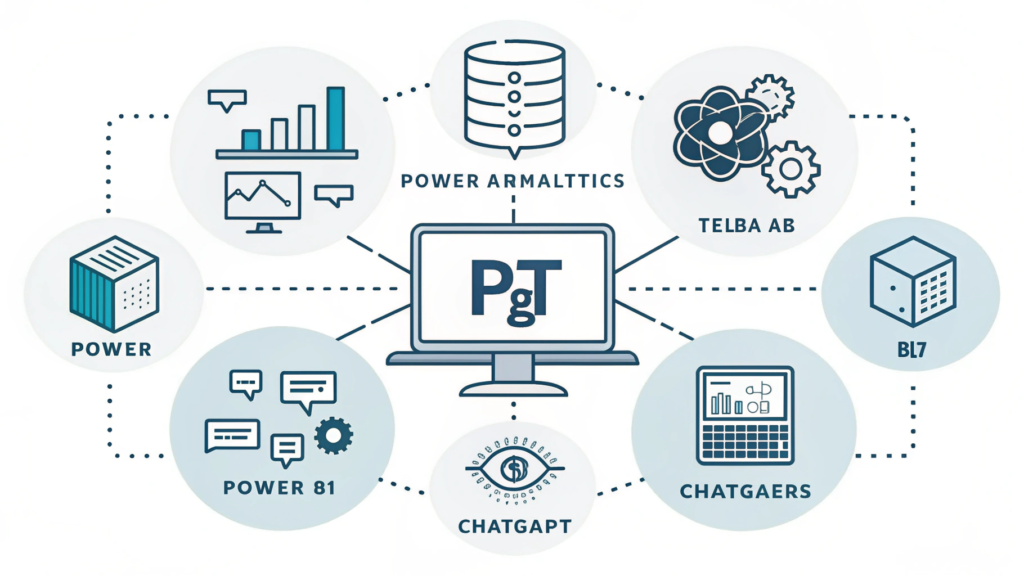
Here are the tools analysts in the U.S. use the most each with a real example.
1.Microsoft Power BI + Copilot
Best for: Data visualization & automated dashboards.
Power BI was already popular, but with Copilot, analysts can now generate dashboards and reports using simple text prompts.
Key Features
- AI-created charts
- Auto insights
- Predictive analytics
- Natural-language questions
- Real-time dashboards
For Example
A healthcare company used Power BI Copilot to analyze patient wait-time data. Instead of manually building charts, analysts asked Copilot:
“Show me average wait times by department and compare them with last quarter.”
The dashboard was generated instantly something that previously took 4–6 hours.
2. Tableau with Einstein AI
Best for: Large organizations with big data.
Tableau’s visual power + Salesforce Einstein AI gives analysts advanced predictive capabilities.
Key Features
- “Explain Data” AI insights
- Trend predictions
- Anomaly detection
- Automated segmentation
For Example
A credit-card company used Tableau Einstein to detect unusual transaction patterns. This helped identify potential fraud 3 weeks earlier than traditional methods.
3. ChatGpt (Your AI Co-Analyst)
Best for: Documentation, report writing, quick insights.
ChatGPT is widely used for requirement gathering, summarizing data, writing reports, and generating SQL queries.
Key Features
- Writes BRDs, SRS, user stories
- Converts raw data into insights
- Creates summaries and presentations
- Helps with research
- Generates formulas, scripts, SQL queries
For Example
An analyst in a SaaS company uploaded customer feedback notes and asked:
“Summarize top 5 customer complaints.”
ChatGPT returned patterns instantly saving hours of manual reading.
4. Alteryx
Best for: Data cleaning & automation.
Alteryx automates complex workflows without coding. Analysts use it to clean, blend, and prepare data faster.
Key Features
- Drag-and-drop automation
- Data enrichment
- Predictive modeling
- Fast data preparation
For Example
A logistics company used Alteryx to clean delivery time data from 4 departments.
Manual: 8–10 hours/week
Alteryx: 20 minutes
5. MonkeyLearn
Best for: Sentiment & text analysis.
Perfect for analyzing customer feedback, comments, or survey responses.
Key Features
- Keyword extraction
- Sentiment categorization
- Topic modeling
- Text classification
For Example
A restaurant chain analyzed 3,500 customer reviews and discovered the biggest negative theme was slow curbside pickup. They fixed the process and improved ratings by 1.3 stars.
6. IBM Watson Studio
Best for: Predictive analytics & machine learning.
This is a high-level tool for analysts who want deeper forecasting capabilities.
Key Features
- Build predictive ML models
- Automated data preparation
- Model evaluation
- Deployment-ready pipelines
For Example
A bank used Watson Studio to predict loan default risk.
Result: 22% improvement in accuracy + reduced financial loss.
7. Zoho Analytics
Best for: Small & medium businesses.
Affordable but powerful AI analytics platform.
Key Features
- AI insights using Zia
- Automated dashboards
- Data cleaning tools
- Goal tracking
For Example
A small U.S. marketing agency used Zoho Analytics to monitor campaign performance and saved 25–30 hours monthly.
What Business Analysts Can Achieve with AI Tools
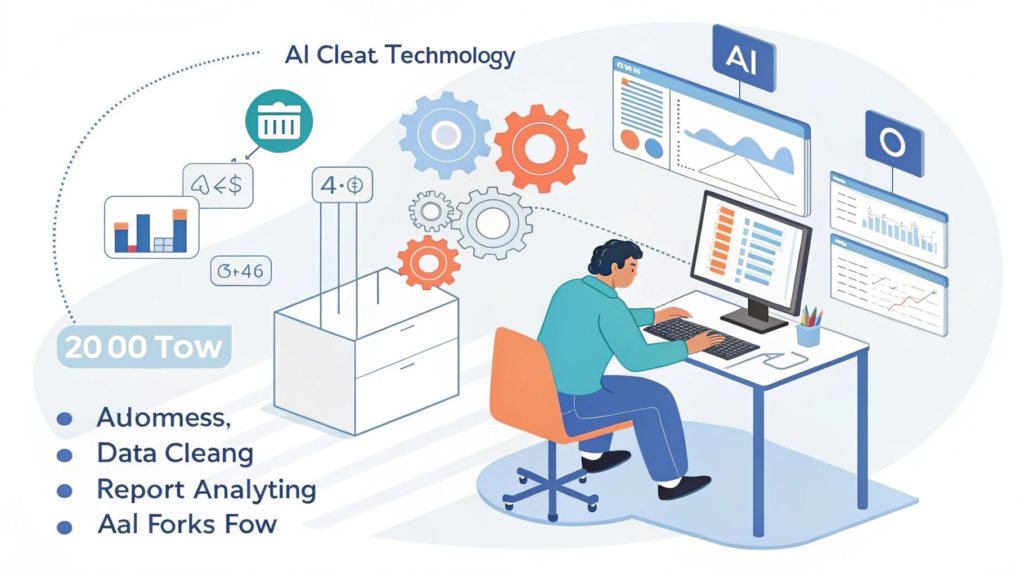
1. Fully Automated Dashboards
No more manual Excel chart updates.
2. Predictive Insights for Strategy
AI forecasts trends and risks.
3. Faster Requirement Documentation
AI writes BRDs, feature descriptions, and user stories.
4. Clean, High-Quality Data
AI removes duplicates, errors, and inconsistencies.
5. Real-Time Customer Insights
AI identifies negative reviews, common complaints, and positive patterns.
Real Business Scenario (Easy to Understand)
U.S. Online Clothing Brand
Before AI:
- Analyst spent 15 hours/week cleaning sales data
- Reports were updated once a week
- No clear idea why sales dropped
After AI (Power BI + ChatGPT + MonkeyLearn):
- AI cleaned data automatically
- Dashboards updated every morning
- MonkeyLearn analyzed customer reviews
- ChatGPT summarized insights for management
Result:
- 75% reduction in manual work
- Identified the real cause of low sales: slow shipping
- Fixed operations → sales increased 22%
How to Choose the Best AI Tools for Your Work
If you work with large datasets
→ Power BI, Tableau, Alteryx
If you write documentation
→ ChatGPT, Notion AI
If you analyze customer sentiment
→ MonkeyLearn
If you need forecasting
→ IBM Watson, DataRobot
If you are in a small business
→ Zoho Analytics, ChatGPT
FAQs
1. Which AI is best for business analysts?
Power BI + Copilot is the most widely used tool due to easy dashboards and automated insights.
2. Do AI tools repalce business analysts?
No, AI supports analysts by saving time and improving accuracy.
3. What is the easiest AI tool for beginners?
Zoho Analytics and ChatGPT are beginner-friendly.
4. Which AI tool is best for predictive analytics?
IBM Watson and Tableau Einstein are excellent for forecasting.
5. Do AI tools require coding?
Most tools like Power BI, Zoho Analytics, Alteryx, and MonkeyLearn require zero coding.
Conclusion
Conclusion
AI tools have completely transformed the business analyst role. With the right tools, analysts work faster, make better decisions, and deliver insights that help companies grow.
Whether you’re building dashboards, analyzing customer behavior, forecasting future trends, or preparing reports, AI gives you a major advantage.
If you want to stay relevant in 2026 and beyond, mastering AI tools is one of the smartest decisions you can make.